How to Solve DTF Film Topical Color Ink White Ink Mixing
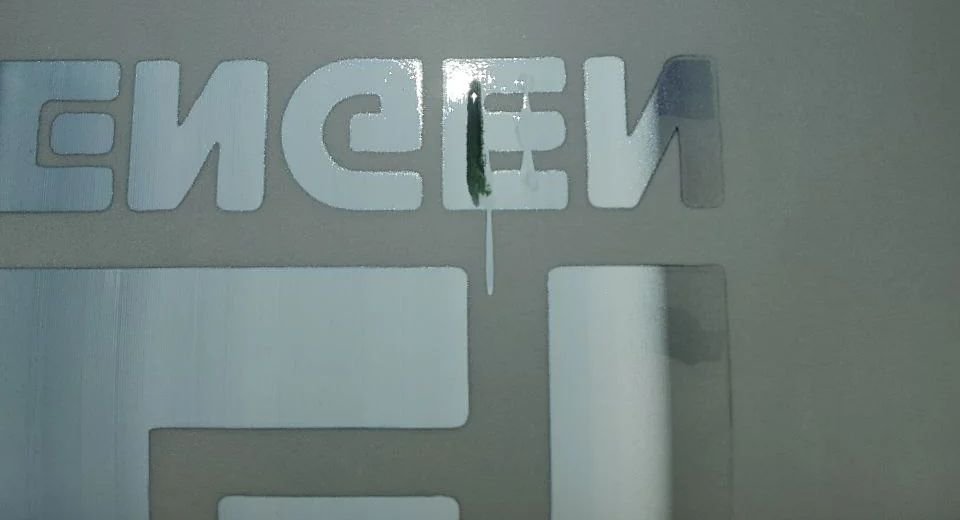
The DTF Film Topical Color Ink White Ink Mixing phenomenon is not a common one. Most people would assume that it is caused by a damaged printer printhead, but perhaps that is not the case.

The DTF Film Topical Color Ink White Ink Mixing phenomenon is not a common one. Most people would assume that it is caused by a damaged printer printhead, but perhaps that is not the case.

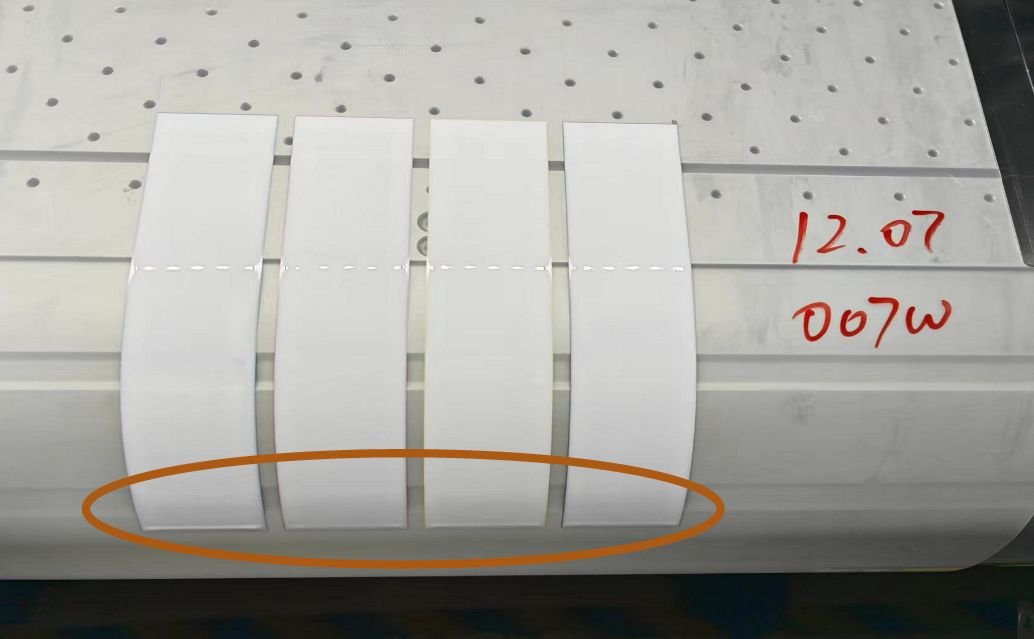
Have you ever finished a DTF print, only to notice strange, patchy white marks scattered across the design? These aren’t just random defects — they’re what we call Snowflake-like artifacts on DTF film. This issue can make even a well-printed design look inconsistent.

Achieving clean, consistent results is key to providing transfer quality. Sometimes, however, you may notice that certain areas of the film, especially blank or white areas, seem to have some random, flaky powder adhering to them.

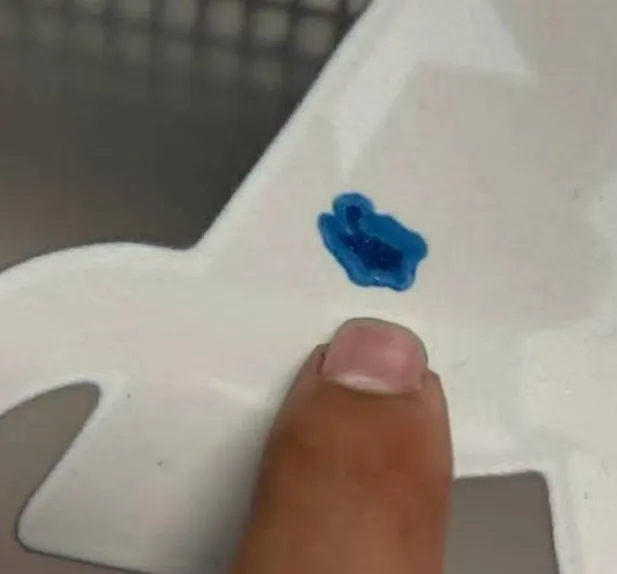
If you’ve ever noticed that the white ink on your DTF (Direct to Film) prints looks slightly tinted or contains color bleed-through, you’re likely witnessing what’s known as the Ink Color Mixing Phenomenon on DTF Films.

When DTF printing is performed, it is common for the film to fail to properly absorb white ink. This is often referred to as the “film bleed” phenomenon, or DTF Film ink bleed.

When your DTF film is of poor quality, white ink buildup may occur. This phenomenon usually occurs after the ink has been printed on the film. Sometimes it is not so obvious that you can easily notice it.

Let’s get one thing straight—yes, you absolutely have to cure DTF powder. There’s no way around it, the powder allows the ink to adhere better and enhances the adhesion of the ink. The adhesion provided by the ink itself alone is not sufficient for transfer printing.

Ever been printing and suddenly the DTF printer won’t produce white ink?