

The same issue arises with the question, “Can Any Printer Use Sublimation Ink?” Remember, the correct type of ink should be used for the corresponding printer.
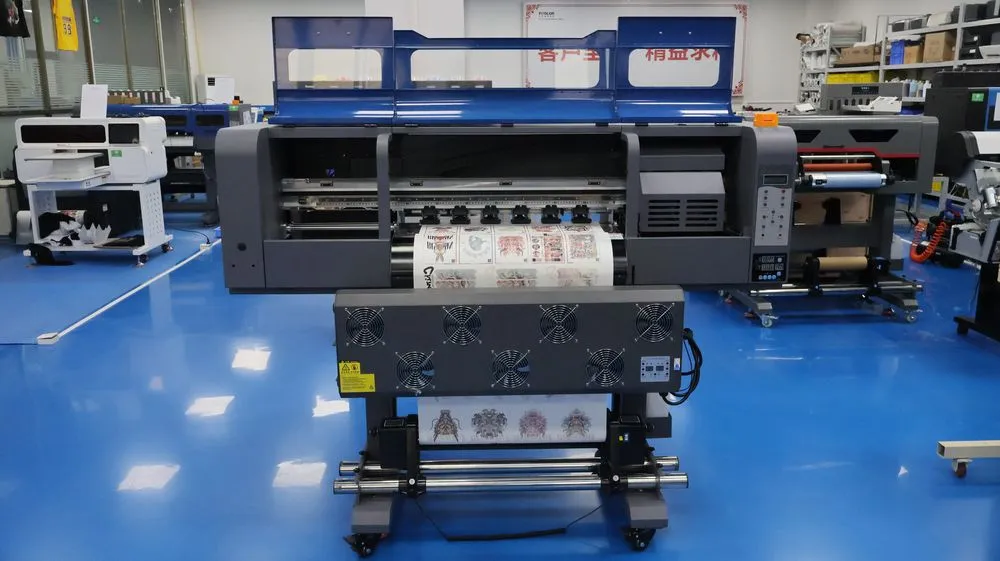
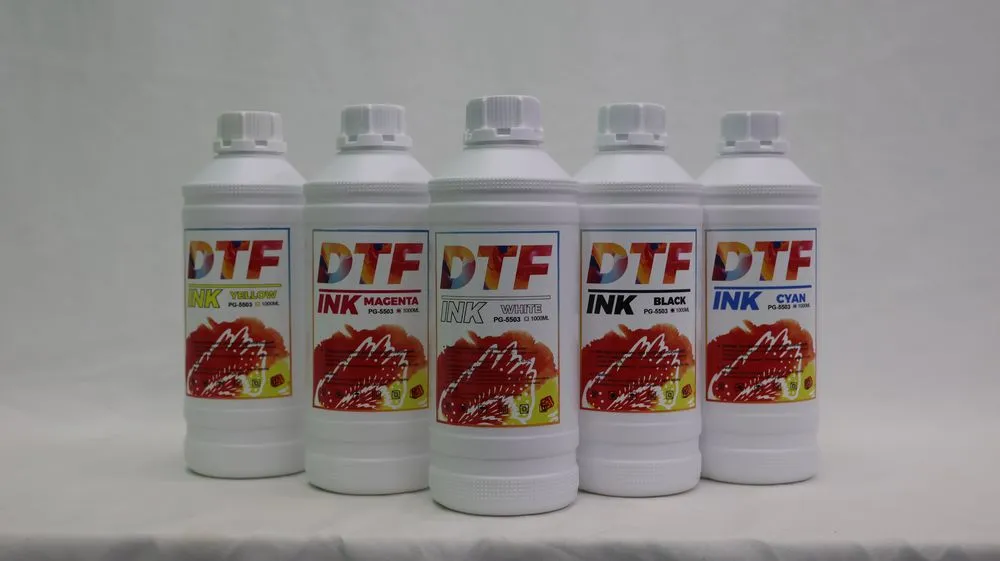
Why You Shouldn’t Use DTF Ink In Sublimation Printer
The fundamental reason you can’t do that lies in the inherent differences between the inks themselves. Printers require ink to function, and as a necessary medium, its chemical composition dictates the final print. Sublimation and DTF printing are distinct processes: sublimation uses heat to transfer ink into the substrate, while DTF printing leaves the design on the surface of the substrate. Because the inks ultimately interact with the substrate in different ways, their chemical properties must also differ.
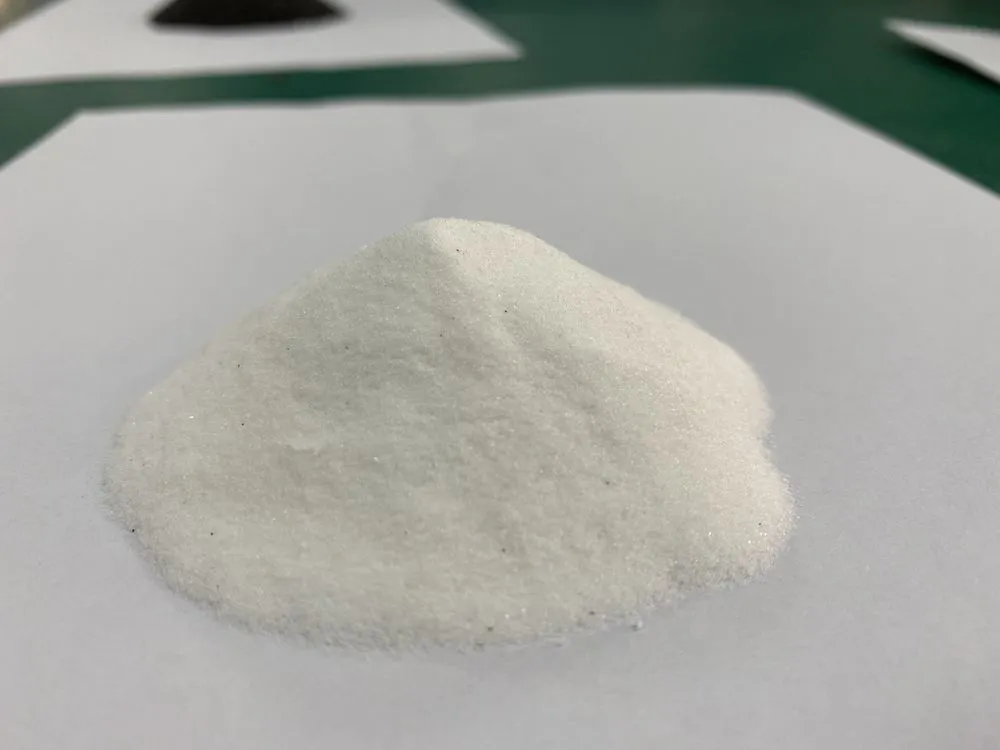
Sublimation ink is specially formulated to convert into a gas under high heat, allowing it to bond directly with polyester fibers. DTF ink, on the other hand, is pigment-based and requires adhesive powder and PET film to transfer the design.
If you load DTF ink into a sublimation printer, the machine won’t recognize or process it correctly, likely resulting in a failed print.
We’ve discussed the differences between these two inks in previous blog posts. For a more in-depth understanding, please read: Is DTF Ink And Sublimation Ink The Same?
Different Transfer Methods: Film vs. Paper
Another point illustrating why “DTF Ink In Sublimation Printer” doesn’t work is the printing medium. Neither DTF nor sublimation printing involves printing directly onto the substrate; both require a medium to act as a transfer point between the ink and the substrate.
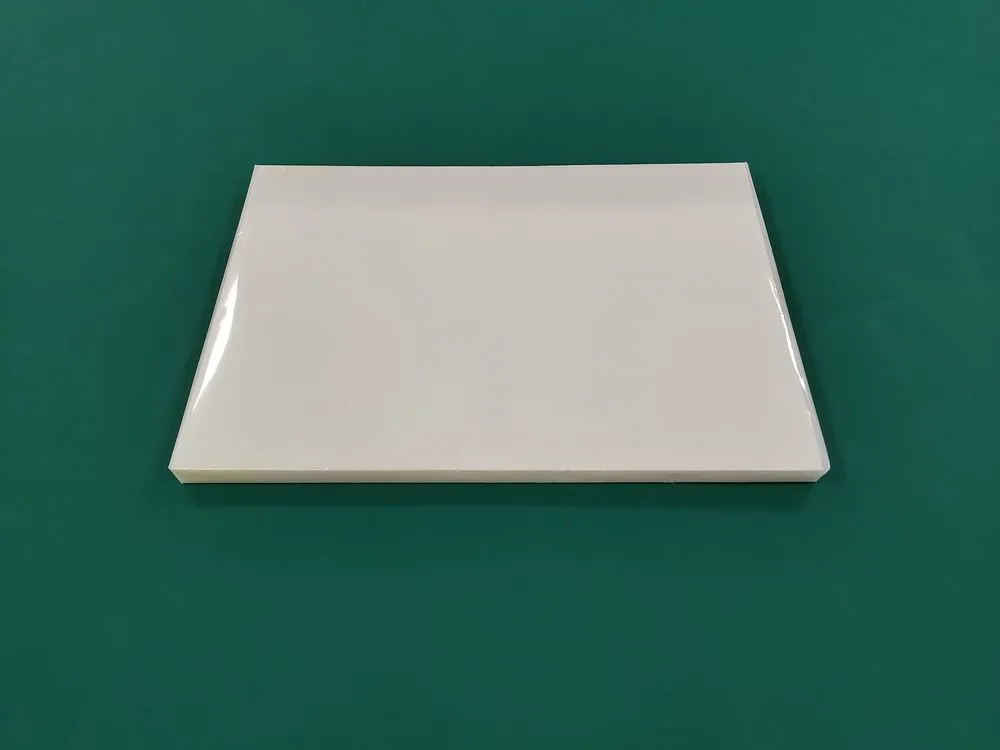
DTF ink requires DTF PET film to accomplish this. The DTF ink is first applied to the PET film, then covered with powder, and finally transferred to the fabric through heat pressing. Therefore, questions like “Can You Use Sublimation Ink On DTF Film” are also invalid. We have explained this in our previous blog, which you can also refer to.
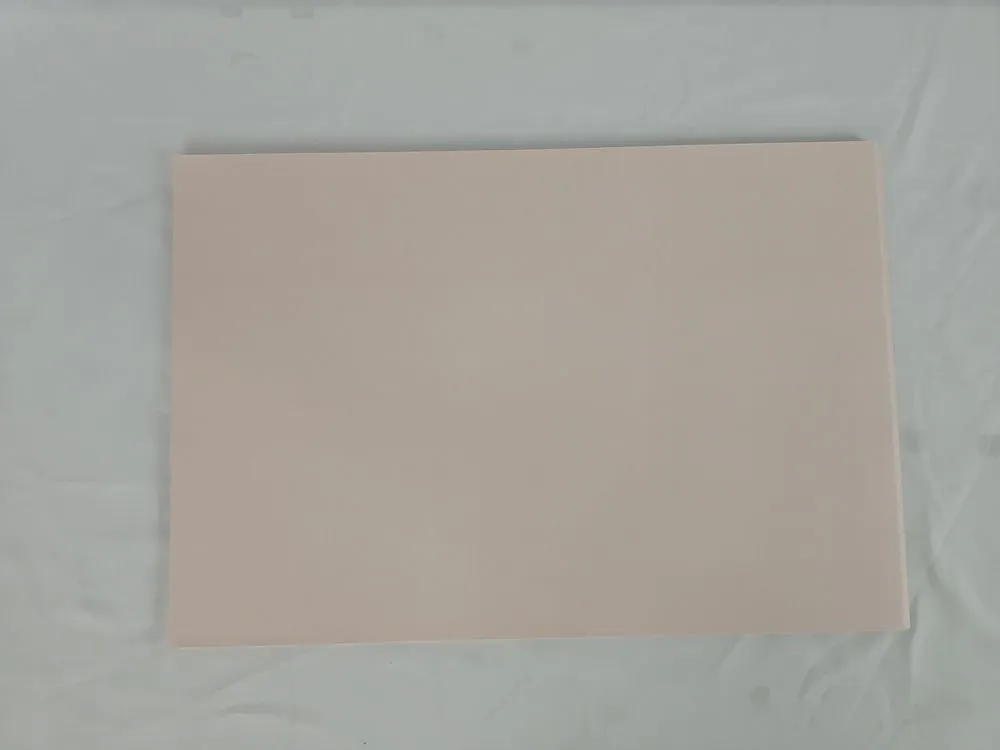
Sublimation ink is always used with sublimation paper, which fixes the ink onto the polyester material’s surface during heat pressing. Sublimation paper is also not ordinary paper; it has an ink-receiving layer on its surface. See also: Can You Use Regular Paper With Sublimation Ink
The media used in these two printing processes are not interchangeable. Therefore, using DTF ink in a sublimation printer would completely disrupt the entire process.
Temperature & Material Compatibility Issues
These two types of ink also require different temperature ranges to function correctly. Take the temperature required for heat transfer as an example.
- When using sublimation for a T-shirt, you need to press it for 25 seconds at a temperature between 210 and 220 degrees Celsius.
- DTF transfers, on the other hand, only require pressing for 6 to 15 seconds at 145 to 165 degrees Celsius.
Sublimation printing requires high temperatures to vaporize the ink and deeply penetrate the polyester fibers. DTF printing requires lower temperatures (relative to sublimation printing) but relies on a powdered adhesive to adhere to cotton, blended fabrics, or dark fabrics.
If you use DTF ink in a sublimation printer, you will not achieve the desired results. Instead, you may encounter incomplete transfers or printhead clogging.
Fabric Limitations With Sublimation vs. DTF
The key reason why the DTF Ink In Sublimation Printer doesn’t work is also the difference in application level. Pouring ink into a printer is a casual affair, but to print a piece of artwork with a printer, it’s a matter of science.
DTF and sublimation each shine in different areas. Sublimation ink is unbeatable for polyester-based fabrics, delivering sharp, vibrant, and extremely durable prints. But it can’t be used on cotton or dark materials.
That’s where DTF has the advantage — it works on cotton and colored fabrics, and can even print white ink as a base.
DTF prints generally sit on top of the fabric, so they can fade or wash out faster compared to sublimation’s fiber-level bonding.
The Bottom Line: Keep Them Separate
So, can you use DTF Ink In Sublimation Printer? Absolutely not. These two inks are designed for completely different workflows, temperatures, and materials. Trying to swap them will only waste time, materials, and potentially damage your machine.