
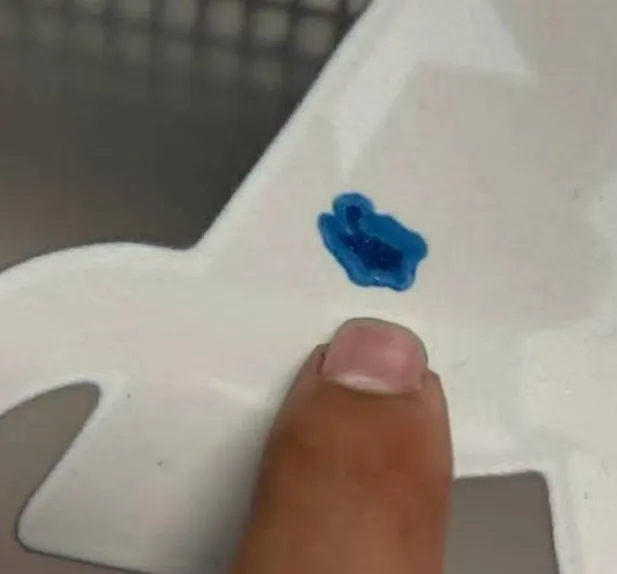
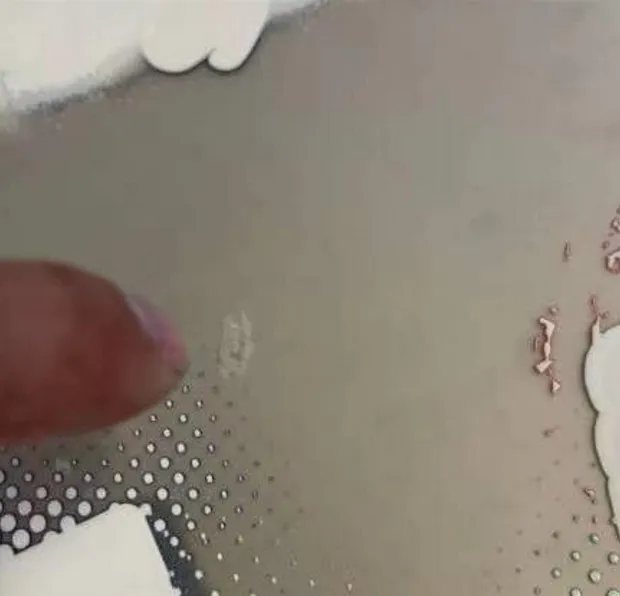
The image below shows the DTF Film Topical Color Ink White Ink Mixing phenomenon. Have you ever seen it in printing?
What Is the DTF Film Topical Color Ink White Ink Mixing Phenomenon?
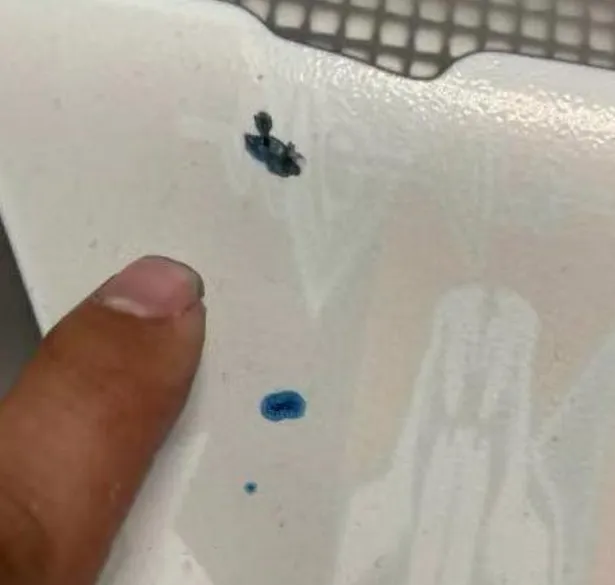
Localized Color Ink White Ink Mixing on DTF Film The problem is the appearance of small, irregular specks on the surface of DTF film in which the color ink and white ink are abnormally mixed together. These spots may look like scattered droplets, puddles, or oddly shaped stains, often resembling a circular or teardrop pattern.
As shown in the picture, in some localized locations, the inks seem to have blended or blotted into each other, rather than forming clean, isolated layers of ink. It’s easy to visually look past this and mistake it for a problem caused by ink leaking from the printer’s printheads.
It is worth noting that this phenomenon is not the same two phenomena as my previously posted blog, What Is Ink Color Mixing Phenomenon On DTF Films. This one partially appears to have a much stronger ink blend. And that one just has marginal spillage, not a complete blend.
This is the hybrid phenomenon to be discussed in this blog, as shown in the figure.
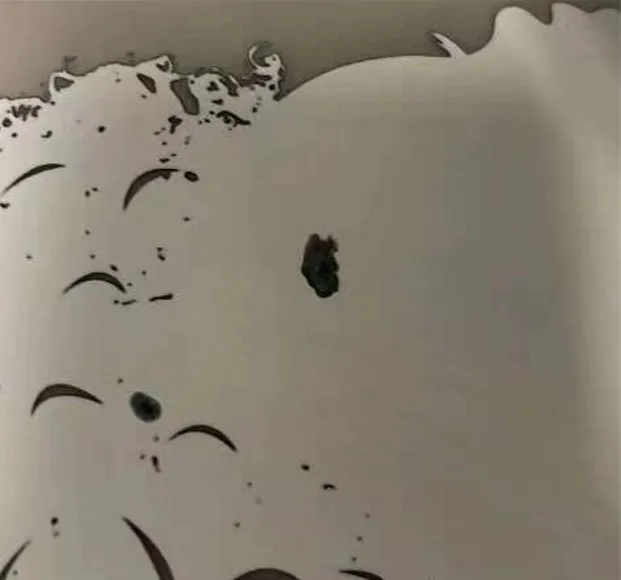
This is the mixing phenomenon we discussed earlier, as shown in Fig.
Why Does DTF Film Topical Color Ink White Ink Mixing Happen?
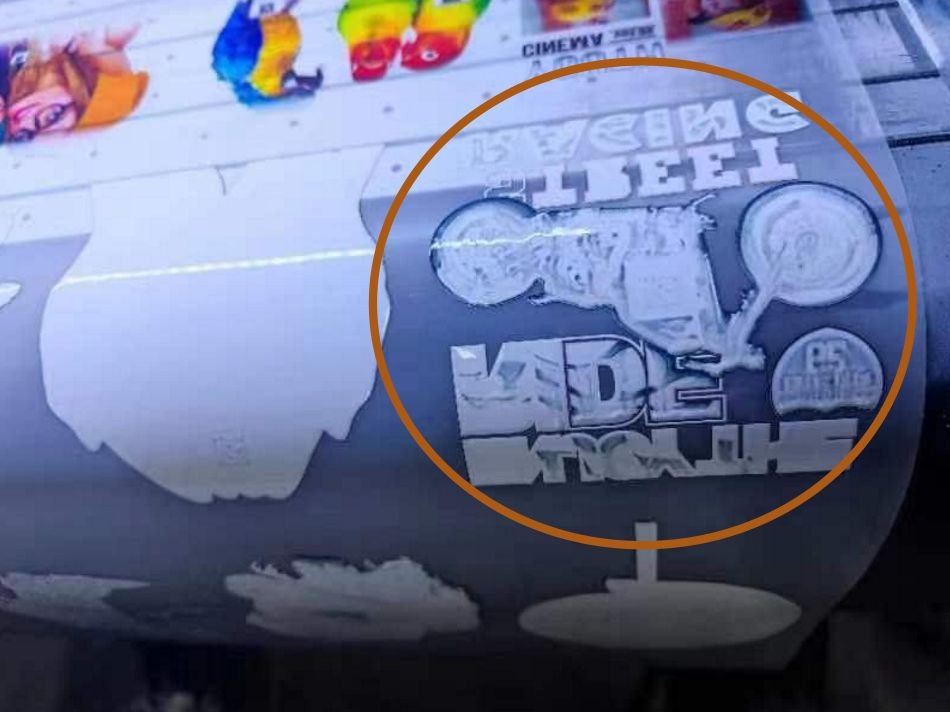
To solve this issue, you must first understand the cause. According to our tests, this phenomenon is usually due to physical damage to the coating layer of the film. The film’s ability to absorb ink is due to a special coating on its surface. Damage to this coating can lead to ink bleed.
Here’s how it happens:
- During storage or transportation, hard impacts or scratches can lead to localized cracking or peeling of the coating.
- Films in sheets often lead to similar situations due to storage problems. Even when stacked packet by packet, the coating may be indirectly damaged by small impurities in the middle of the sandwich under pressure. See also: DTF Films Storage Guide
- These defects often recur and form patterns (e.g., rows or grids) as a result of sustained pressure or force at certain points on the film roll.
How to Prevent DTF Film Topical Color Ink White Ink Mixing in DTF Film
Now that we know what causes it, how can we prevent DTF Film Topical Color Ink White Ink Mixing?
1. Handle with Care Before Printing
Before unsealing or using a roll of DTF film, always:
- Handle it gently
- Avoid dropping or bumping the film roll
- Store in a stable, impact-free area
Even a slight bump can damage the ink absorbing layer without you realizing it, and it is important to pay attention to inspecting its surface.
2. Protect the Film During Storage
Make sure your DTF film is well-packaged:
- Wrap the film in tight, even layers
- Add a soft protective outer layer (such as foam or bubble wrap)
- Keep rolls upright to prevent uneven pressure
This reduces the chances of micro-cracks or abrasions that could lead to such phenomena later.
3. Avoid External Forces on the Roll
Do not stack heavy objects on top of the DTF film. Avoid pressing or bending the film when loading it into the printer. External pressure can cause the coating to peel off, especially around the edges or midpoint of the film.
What to Do If DTF Film Topical Color Ink White Ink Mixing Has Already Occurred
If you notice Topical Color Ink White Ink Mixing spots on your prints:
- Inspect the affected roll of film carefully — it’s often localized, so you might cut off a few meters and continue with the undamaged portion.
- If you have film in sheets, just replace the sheet with a new one for a test comparison.
- If you have rolls of film, then cut off a few meters.
- Check the film for irregular pressure marks and also check the printer’s printhead.
- In rare cases, this can be caused by problems with both the film and the printer.
- Try lowering the channel output setting for the ink and see if you still get a similar situation after lowering the output.
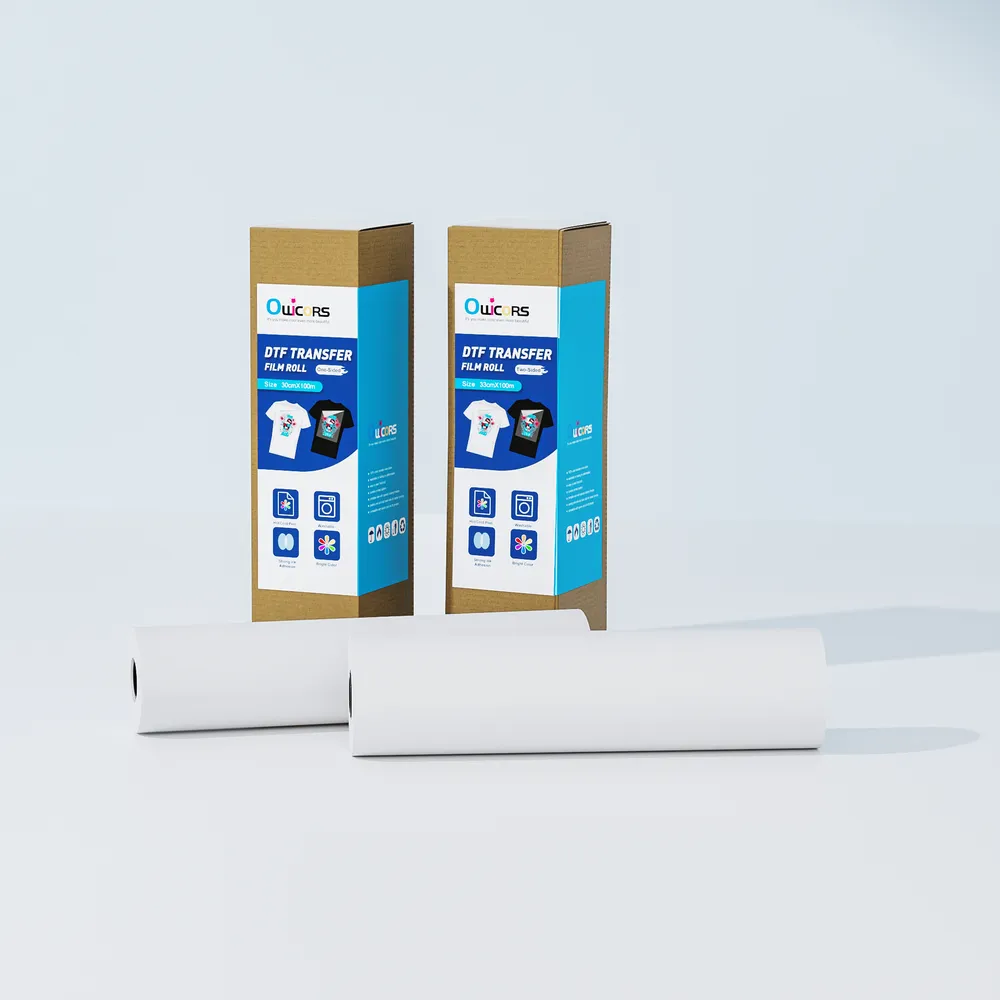
If you want to replace the film, try Owcors DTF film. The intact packaging won’t allow you to have these problems with your prints.