
UV DTF Ink
Owcors offers a choice of UV Crystal Labeling Inks and UV Faux Embroidery Inks.
Showing all 4 results
-
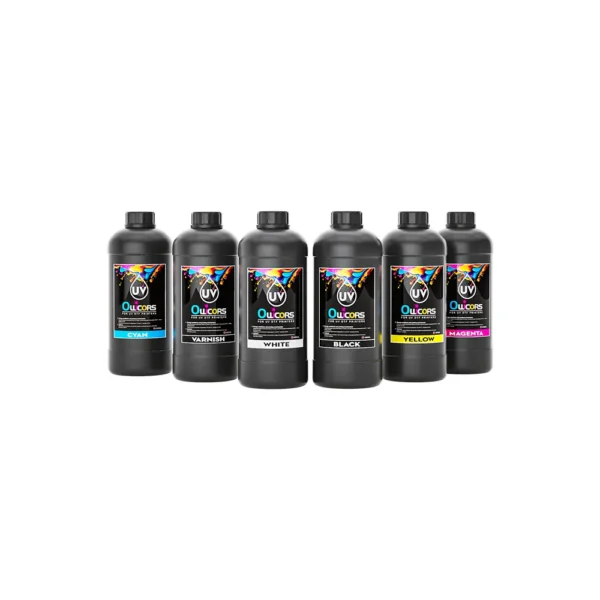
UV8035 1000ML UV DTF Ink
$22.00 – $132.00Price range: $22.00 through $132.00This product has multiple variants. The options may be chosen on the product page -
UV8035 500ML UV DTF Ink
$11.00 – $66.00Price range: $11.00 through $66.00This product has multiple variants. The options may be chosen on the product page -
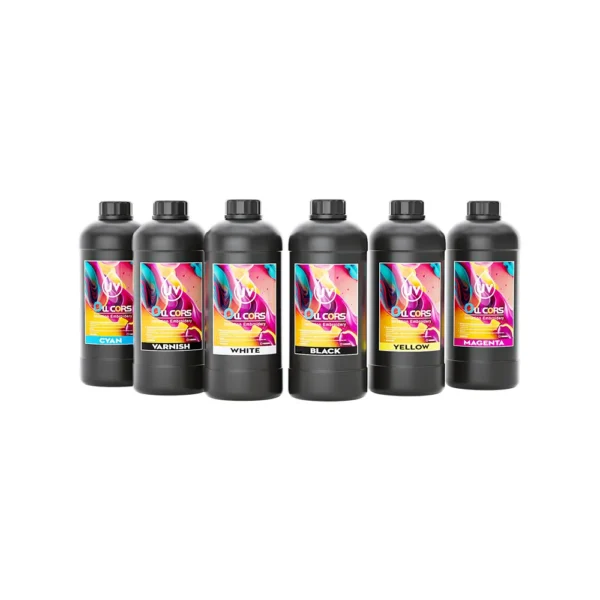
UV8040T 1000ML UV DTF Ink
$30.00 – $180.00Price range: $30.00 through $180.00This product has multiple variants. The options may be chosen on the product page -
UV8040T 500ML UV DTF Ink
$15.00 – $90.00Price range: $15.00 through $90.00This product has multiple variants. The options may be chosen on the product page
Owcors UV DTF Ink Features
Fast curing, long-lasting adhesion, smooth jetting, and superior surface bonding.
≥95% Saturation, Burr-free
≥180 Days no change
<300 nm, reduces clogging risk
>3H, scratch-resistant
Smooth Printing Flow
Nanoparticle composition and high color reproduction. Minimizes nozzle clogging, enabling continuous printing!
Scratch & Abrasion Resistant
resist friction, rubbing, and surface wear — ideal for high-touch or outdoor surfaces.
50+ Continuous Scratch Free
Waterproof & Damp-Proof
No smudging, no fading — perfect for long-lasting outdoor and daily-use.
30+ Wiped down still glossy
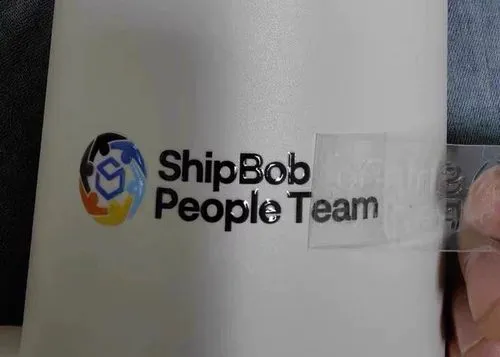
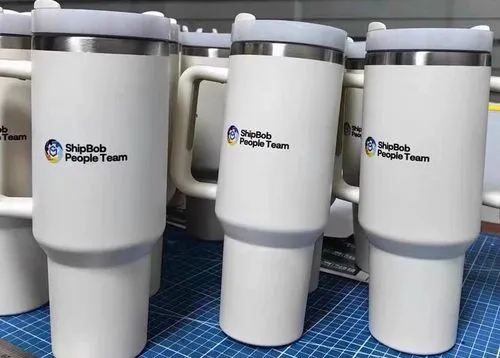
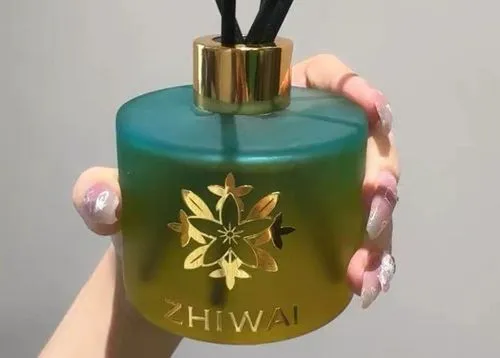
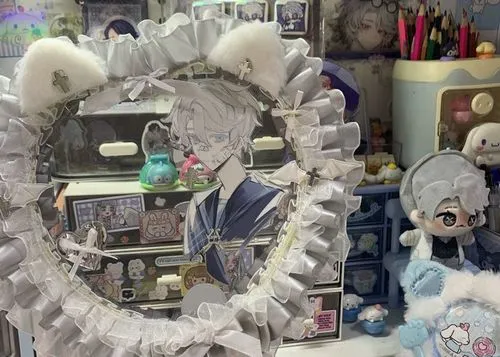
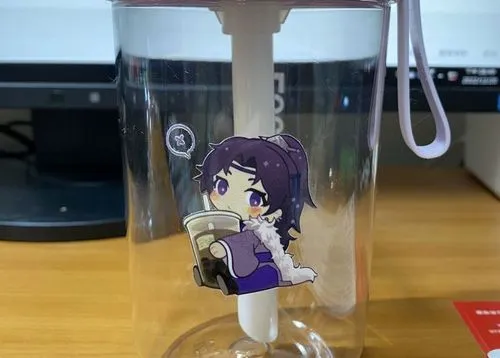
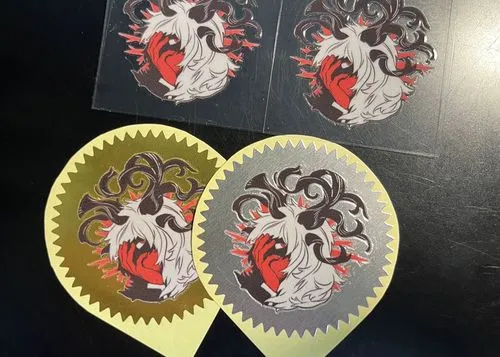
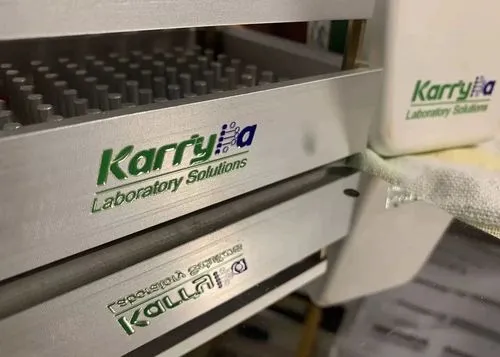
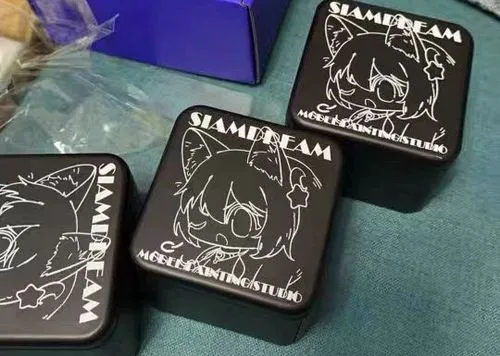
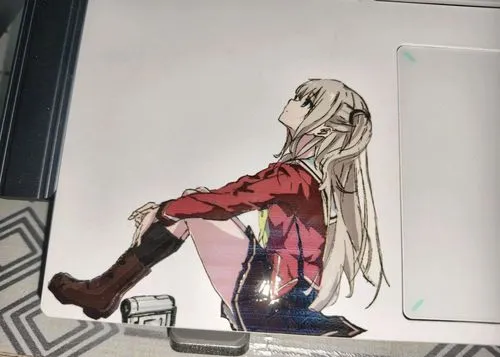
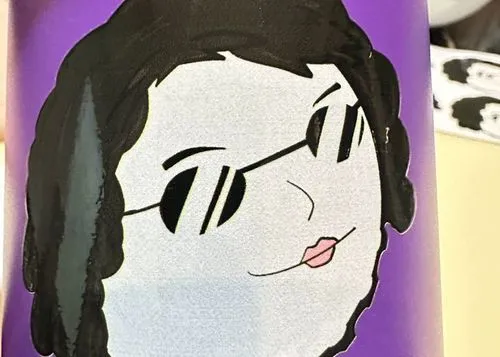
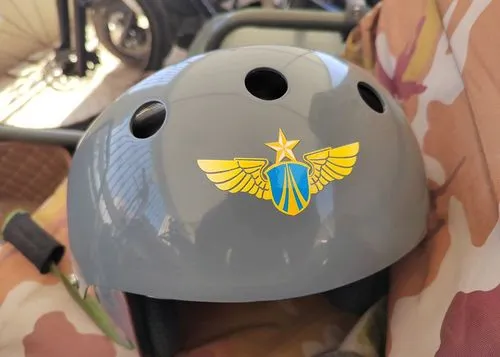
UV DTF Ink Print Showcase
UV Ink Application
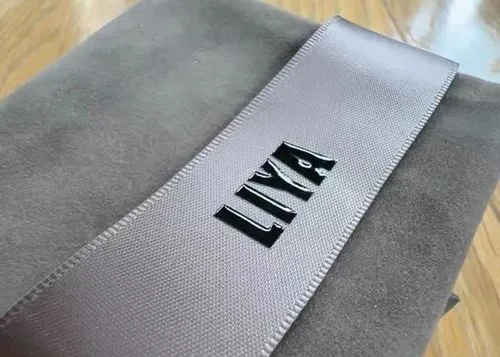
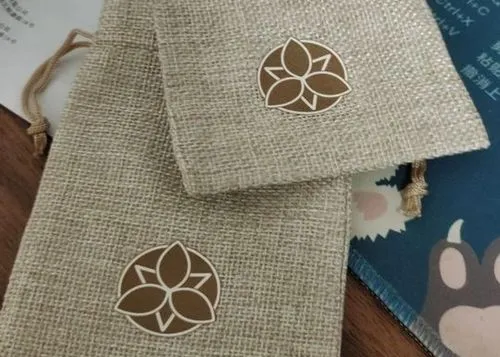
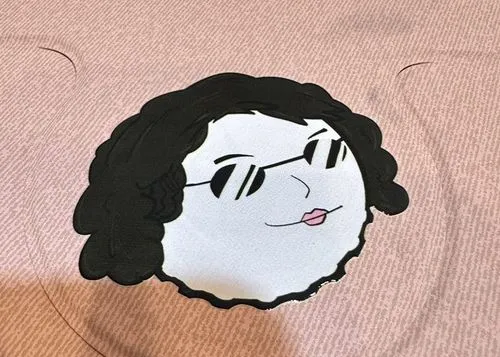
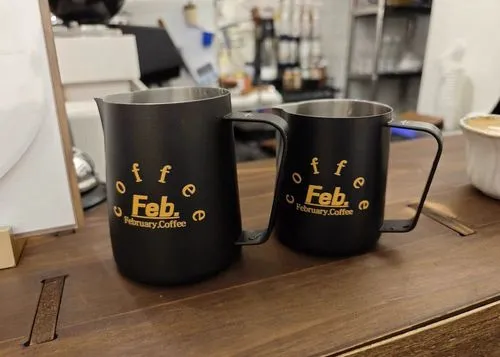

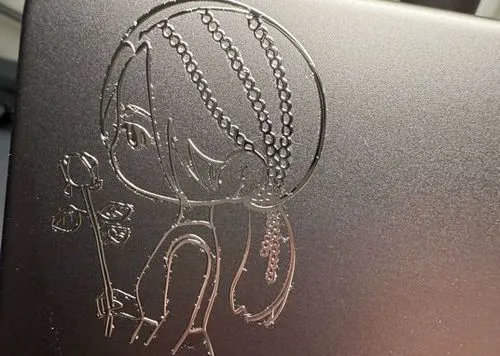
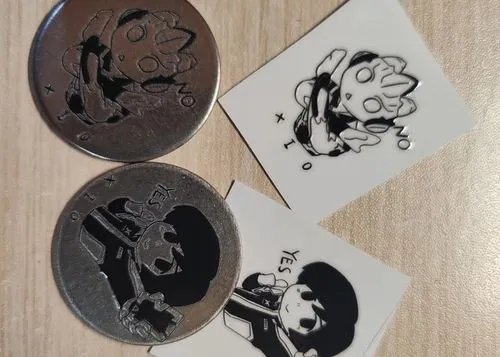
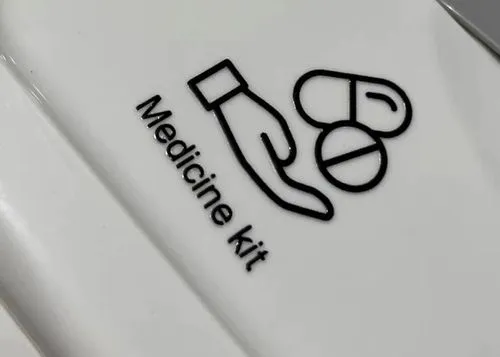
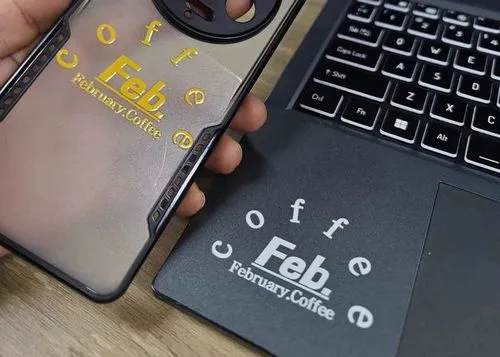
how to solve ink clogging
Why Clogging
- The high viscosity and fast curing characteristics of UV inks tend to clog printheads.
- Airborne dust, low temperature and humidity may accelerate ink drying.
- Failure to clean the printhead in a timely manner or prolonged downtime may cause the ink to solidify.
- Used expired ink, mixed different brands of ink, or frequent power failures and shutdowns.
How To Solve
- Use the printer's auto-clean feature or clean it manually by soaking the print head and then gently wiping it.
- Use a moisturizing pad or printhead moisturizer to prevent ink from drying on the printhead surface.
- Replace the filter in the ink supply system regularly to prevent impurities from entering the printhead.
- If the nozzle is severely clogged and cannot be repaired, consider replacing the nozzle.
How To Avoid
- Choose high quality UV ink compatible with your equipment and avoid using inferior or counterfeit ink.
- Routine daily or weekly cleaning of the printer, including printheads, ink paths and filters.
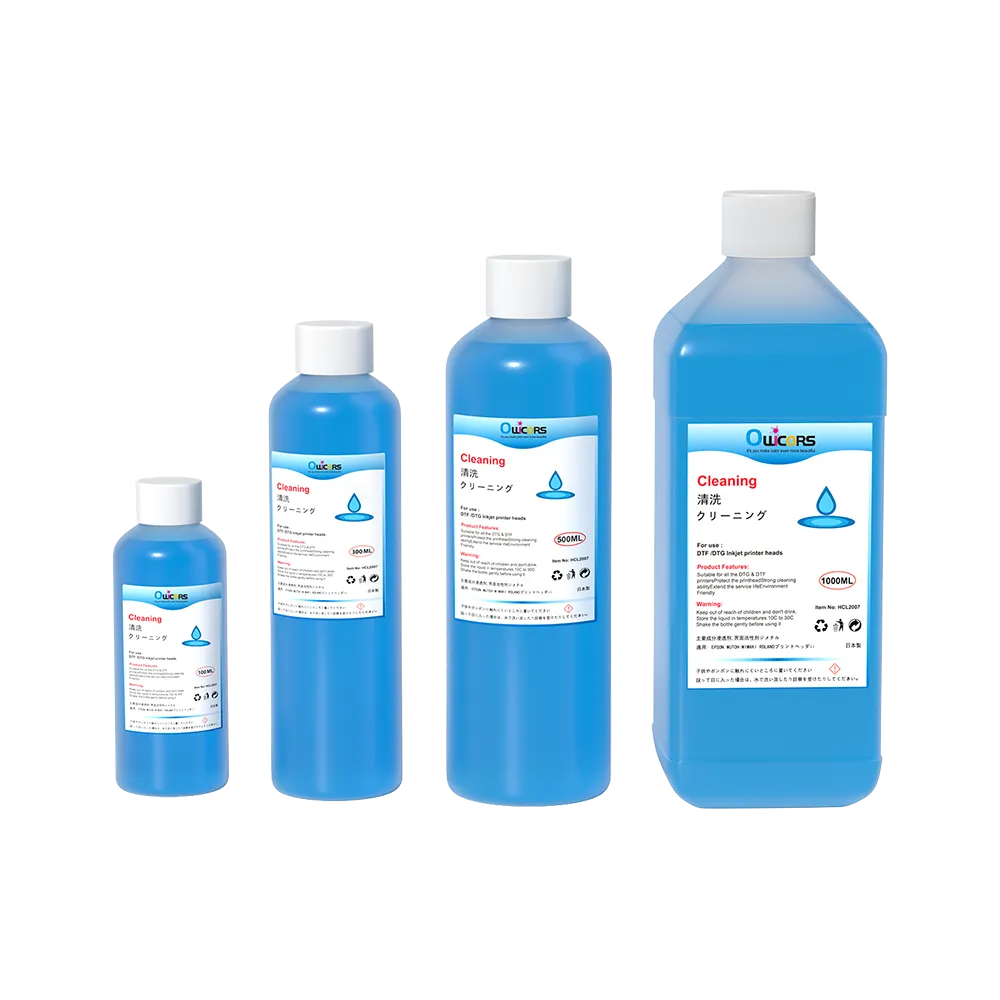
- If the printer will not be used for a long period of time, you can use a cleaning solution to empty the ink.
- Reduce the risk of clogging by choosing a low-viscosity UV ink that meets your printing needs.
Frequently Asked Questions
How to store UV DTF ink?
Store ink in a tightly sealed, temperature-controlled (18-25°C), and light-protected environment. Ensure proper storage and usage conditions, avoiding prolonged exposure of the product to strong light or humidity.
What if the UV DTF ink doesn't dry?
1. First of all, make sure that the wavelength of the ink and the lamp are matched.
2. Confirm whether the ink for the shelf life of the ink, opening time (whether more than 3 months)
3. All of the above are normal Adjust the UV lamp position ink or power.
What is the wavelength of UV DTF ink?
Digital printing industry UV ink wavelength standard is 395um, the market ink is generally in the 365-410um range so there will be called 395 upper limit or 395 lower limit.
How To Solve The Lack Of UV DTF Ink Adhesion?
Insufficient adhesion of UV DTF ink may result from issues with the material surface, ink formulation, printing process, or environmental factors. Common causes include overly smooth or contaminated surfaces, incorrect ink choice, incomplete UV curing, low ink coverage, and unstable humidity or temperature. To resolve this, it’s important to clean and roughen the surface if needed, choose UV inks compatible with the substrate, adjust curing conditions, and ensure a controlled working environment (20–25°C, 40–60% RH). In some cases, applying a suitable primer before printing can significantly improve adhesion results.
How To Solve The Blistering Of UV DTF Ink Printing?
Blistering often results from issues such as unstable ink viscosity, residual air in printheads, improper surface conditions, or incorrect curing speeds. Ink bubbles may form due to aging ink, high-speed printing, or dust/oil on the surface. To resolve the issue, clean and prep the surface with alcohol or primers, ensure proper exhaust and pressure control in your equipment, and fine-tune UV curing power and inkjet angles. Maintaining environmental conditions at 20–25°C with 40–60% humidity also helps prevent blistering. Regular maintenance of printheads and using suitable ink flow parameters are essential for stable printing.