

What Is “DTF Film Difficult To Peel”?
Difficult to peel” refers to issues encountered during the final step of removing the film from the substrate after applying hot melt powder, baking, and heat pressing. This typically includes:
- Noticeable resistance or a “jerky” feeling when peeling.
- Residue (ink) left on the print or the film.
- Complete inability to peel, indicating bonding that is too strong.
- Damage to the edges of the design, small fonts, or fine details due to excessive force during peeling.
The picture below shows an example of a film that wasn’t peeled off cleanly. Notice the distinct chipping along the edges of the pattern.
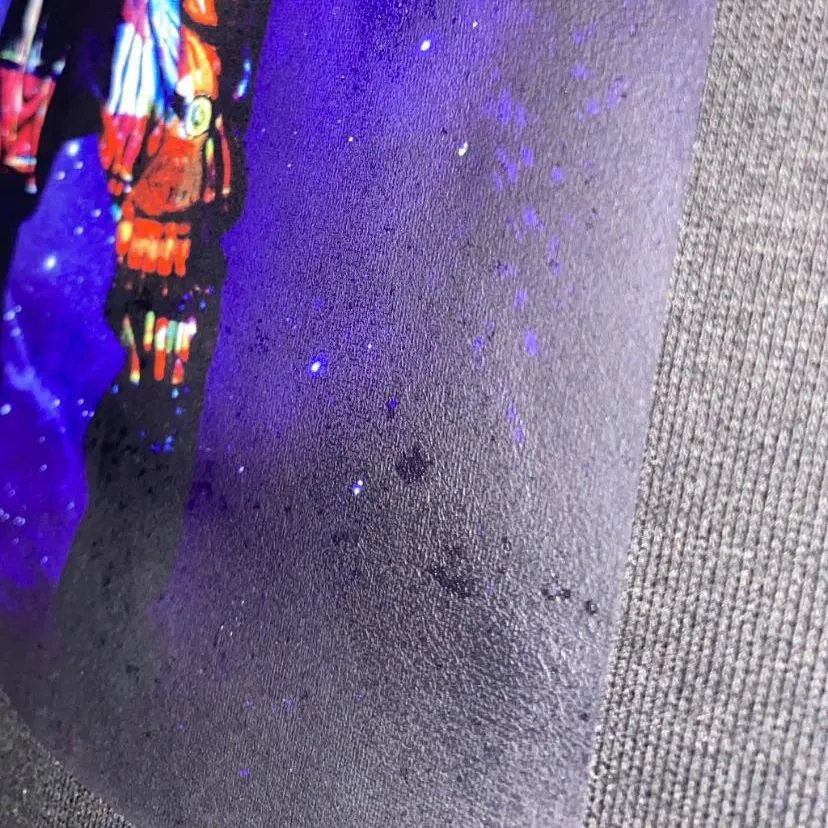
This situation is not common. In many cases, it is related to the specific film you are using. Different manufacturers use different methods to produce films, resulting in varied performance. This also leads to different temperature requirements for heat pressing. Good quality films may require longer pressing times and higher temperatures, while poor quality films may require the opposite.
Why Films From Different Manufacturers Behave Differently
DTF transfer films rely primarily on two functional coatings:
- Ink Absorption Layer: Controls ink adhesion, edge sharpness, and the film’s ink load capacity.
- Release Layer: Controls how well the image peels from the film after heat pressing.
Differences in material and coating quality can alter the functionality of these layers. This is why heat pressing/curing settings that work well with one transfer film may not produce satisfactory results with another. It’s important to note that poor ink absorption layer quality can lead to issues such as:
- What Is Ink Color Mixing Phenomenon On DTF Films?
- What is The DTF Film Ink Bleed Problem?
- What is White Ink Buildup on DTF Film
Release layers are classified into three different peel types:
- Cold Peel: Peel off the film after the print has completely cooled down.
- Hot Peel (Warm Peel): Peel off 6-15 seconds after heat pressing – it should be warm, not immediate.
- Instant Peel (“Fast Peel”): Peel off the film immediately after lifting the heat press.
Generally, cold peel films are more prone to problems because you need to accurately judge the timing, which is affected by factors such as the substrate material and heat press temperature. Each of the three peel types has its advantages and is suited for different applications.
Normally, the peeling process should be smooth and effortless, as shown in the picture. There should also be no unwanted residue left on the film during peeling.
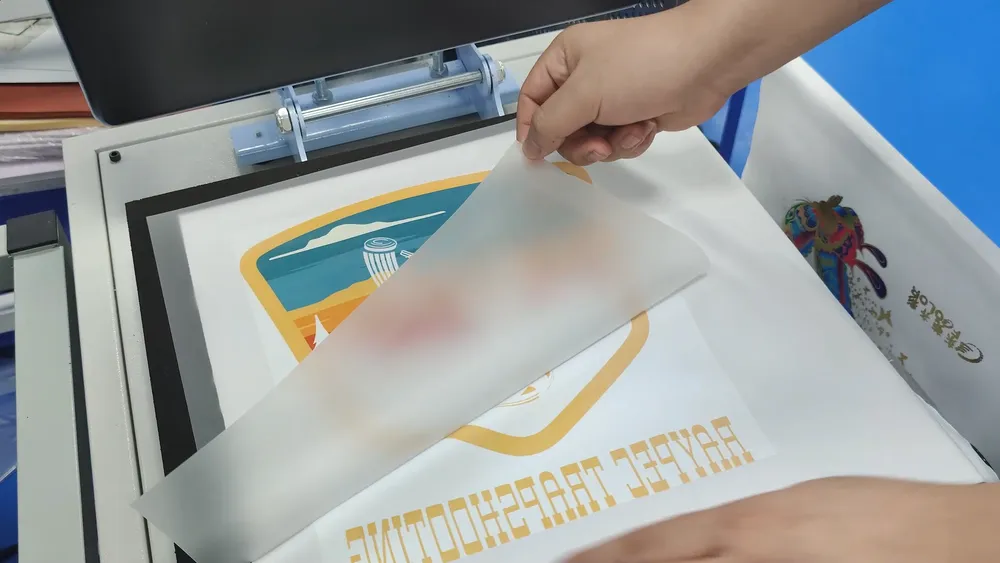
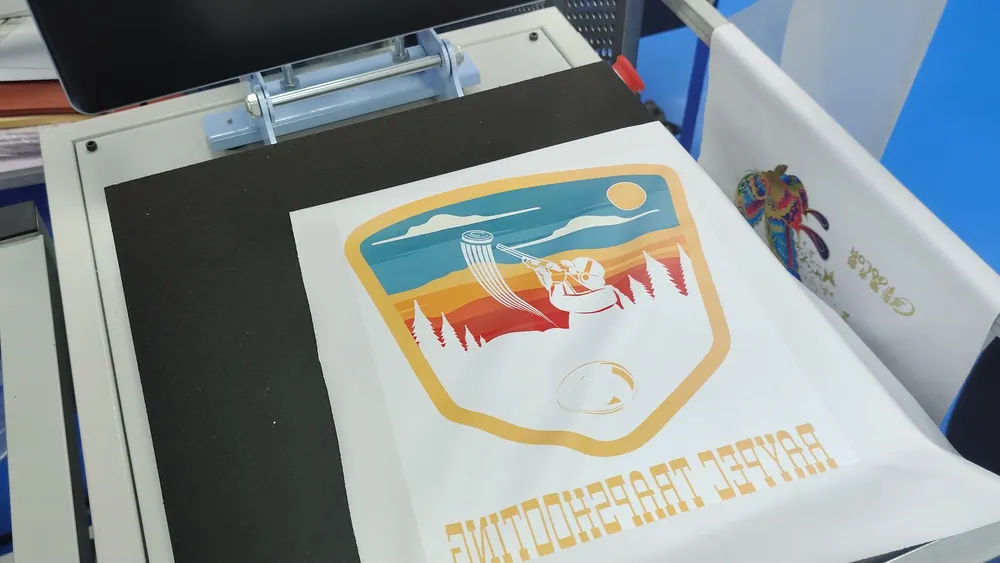
Quick Check For DTF Film Difficult To Peel
In the case of a film that is difficult to peel off, you can check the following problems by following these first:
- Match Substrate + Film + Peeling Method: The substrate is very important. DTF printing is not suitable for all materials. Generally, pure cotton is the best choice, while other materials require different settings. Also, confirm whether your film is cold peel, hot/warm peel, or instant peel, and follow that method precisely.
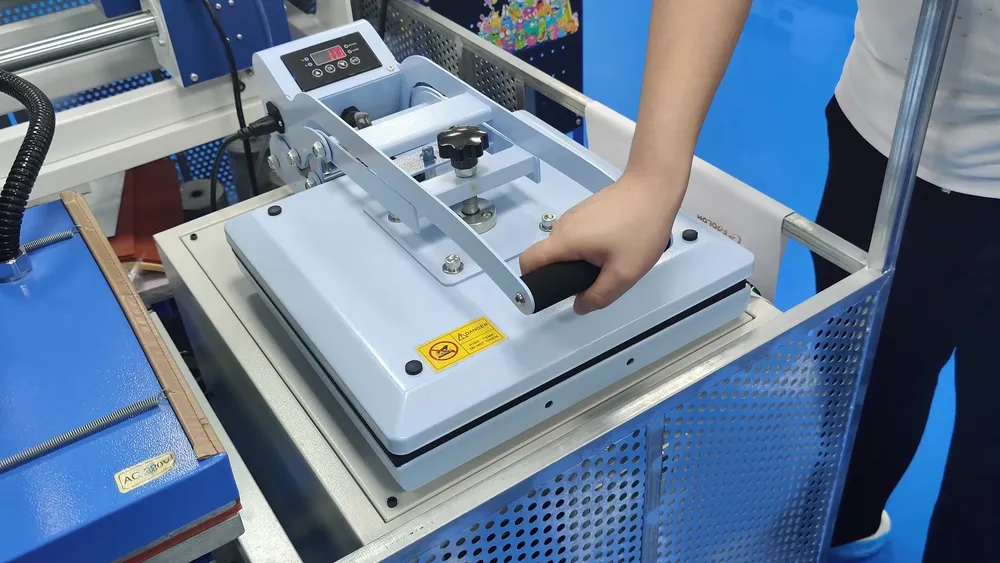
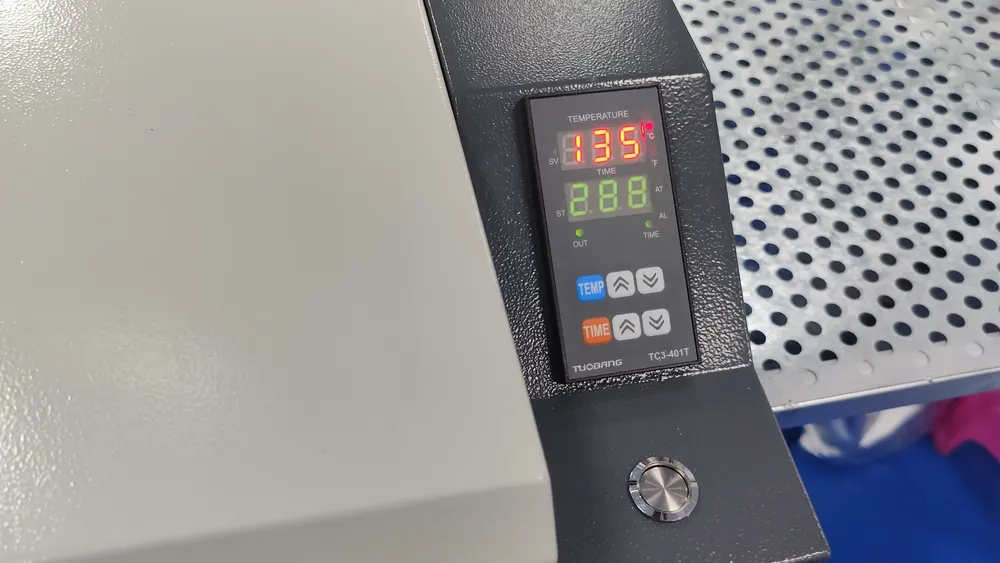
- Check for Overexposure of Pressing Temperature/Time: Too high a temperature or too long a pressing time can make the film difficult to peel. Even with cold peel films, excessive dwell time can cause the ink/powder to re-solidify during the curing process, leading to adhesion or tearing during peeling. Therefore, it’s crucial to have precise control over temperature and time.
- Ensure Complete and Even Powder Coverage: Before pressing, the hot melt powder must completely cover the pattern on the film. Any areas without powder will cause the ink to bond directly to the fabric during heat transfer, resulting in fusion and making it difficult to peel.
- Check the Curing (Baking) Stage: Incomplete curing = powder not fully melted; over-curing = direct damage to the film. Both of these will alter the outcome of film peeling. Uniform temperature and time control are critical here. See also: Do You Have To Cure DTF Powder?
Pro Tip: Keep records of every run. Film type, powder type, fabric, room conditions, printing temperature/time/pressure, curing temperature/time. When a failure (or success) occurs, your records will enable quick troubleshooting.
DTF Film Difficult To Peel Final Solution
After the quick check above, we can generally conclude with the following three specific solutions:
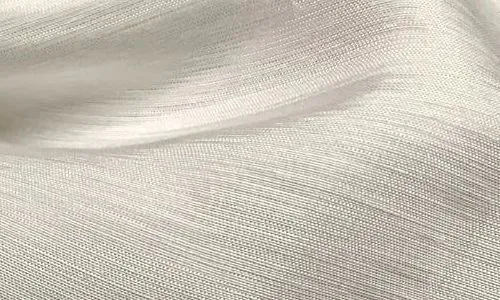
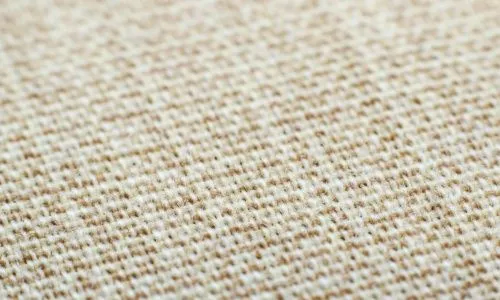
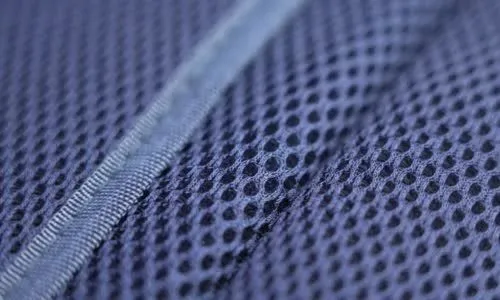
- Switch to a substrate with a higher matching degree: It is important to check the material of the substrate before printing. Generally, pure cotton material is the most suitable, while other materials may require some treatment. For example, due to the special fiber characteristics of linen and silk, it may be necessary to optimize the transfer process (such as reducing pressure). Nylon material has strong adhesion after transfer, but attention should be paid to surface treatment and transfer temperature control. Elastic fabrics require the selection of hot melt powder with a certain degree of elasticity to avoid pattern cracking.
- Follow the following powder curing and heat transfer operation
- Heat transfer: Set the temperature to 145-165 °C, and control the pressing time to 6-15 seconds.
- Powder baking: The baking temperature of low-temperature powder is set at 105-110 °C; standard polyurethane powder is 120-140 °C. The baking time is 300s for both.
- Replace all consumables: If there are no changes after steps 1-2, then you can only consider replacing a whole set of consumables. Why not just replace the film? That’s because the new film may not be suitable for your ink. Therefore, consider all DTF consumables of the same brand when testing.