

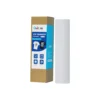
But there’s more to it than just “printing something and pressing it.” From my experience, using the right sublimation paper correctly can make the difference between vibrant, professional results and frustrating failures.
Let’s dive into what it’s really used for, what can go wrong, and how to use it the right way.
What Is Sublimation Paper Actually Used For?
To put it simply:
Sublimation paper temporarily holds sublimation ink and helps it transfer cleanly onto a substrate surface when heat and pressure are applied.
Here’s how it fits into the process:
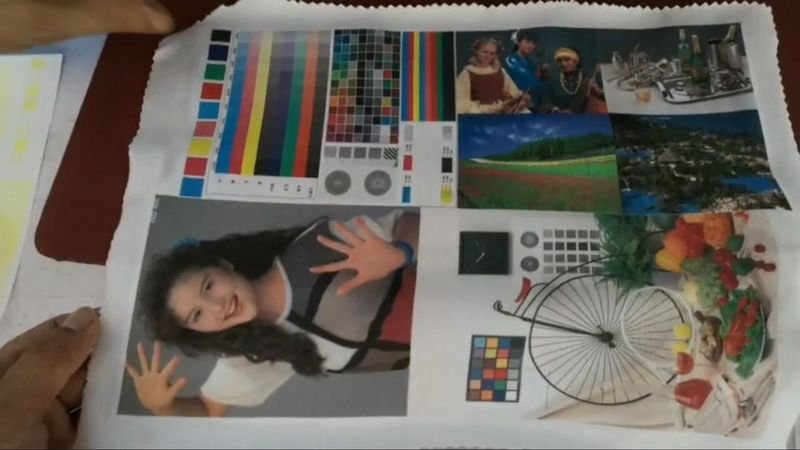
- Print Stage: Sublimation ink is printed onto the special coating of sublimation paper, which holds the ink without letting it absorb into the fibers (unlike normal copy paper).
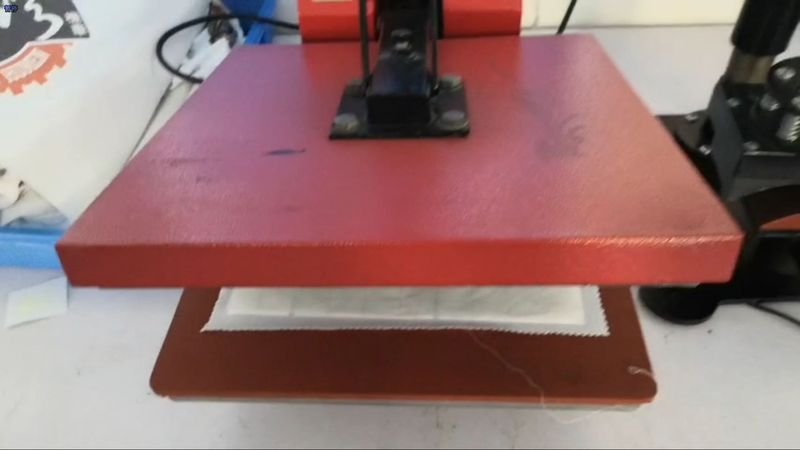
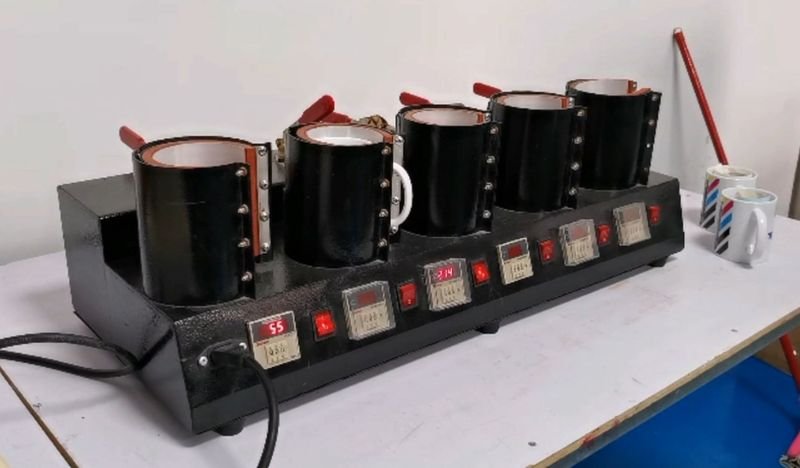
- Transfer Stage: When you press the paper onto your blank (like a mug, T-shirt, or aluminum panel) using heat and pressure, the ink vaporizes and bonds with the surface.
- Result: You get bright, durable images that won’t peel, crack, or wash off.
Without the right paper, even the best ink and most expensive printer won’t save you. It’s a crucial middleman that often gets underestimated — until something goes wrong.
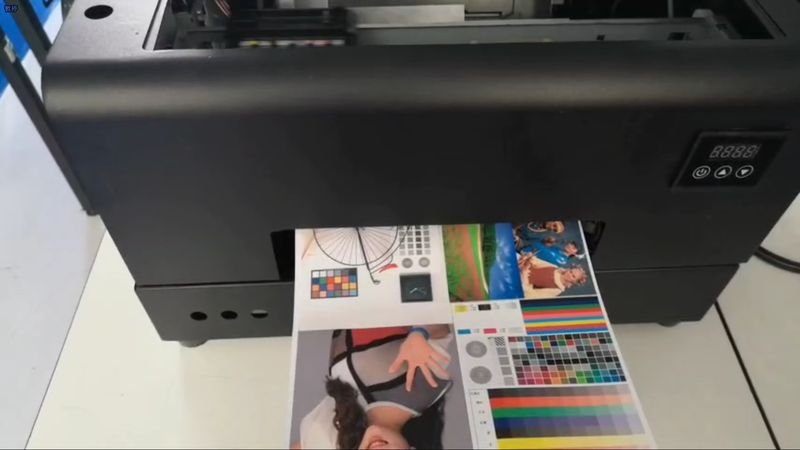
By the way, heat transfer paper is similar to sublimation papers in use, but the two types of papers are fundamentally different. See: Difference Between Sublimation Paper And Heat Transfer Paper
What Mistakes Ruin The Job, Even With Good Sublimation Paper?
When I first started out, I thought any paper that looked “thick enough” would do the job. Spoiler alert: it didn’t. Here are a few mistakes I’ve learned to avoid:
Using Regular Paper Instead of Sublimation Papers
Normal paper soaks up the ink instead of holding it on the surface. When you press it, the colors come out faded and blurry — if they transfer at all.
Pressing With The Wrong Side Facing The Blank
Most paper has a printable side and a backing side. If you mess this up, you’ll heat the wrong side, and nothing will transfer.
Choosing The Wrong Paper For The Material
Not all sublimation papers work the same. Some are better for hard surfaces like mugs, others for soft materials like fabric. Using the wrong type can cause ghosting, uneven colors, or poor adhesion.
Storing Paper in Humid Conditions
Sublimation papers is moisture-sensitive. If it absorbs too much humidity, it curls, warps, and affects how evenly the ink sits and transfers.
Using Outdated or Damaged Paper
Old paper can lose its coating quality over time. I once found a forgotten pack and tried to use it — the print looked fine, but the final transfer was patchy and dull.
How To Use Sublimation Paper Properly For The Best Results
Over time, I built a simple checklist that helps me get consistent, high-quality results when using sublimation papers:
Always Check The Printable Side
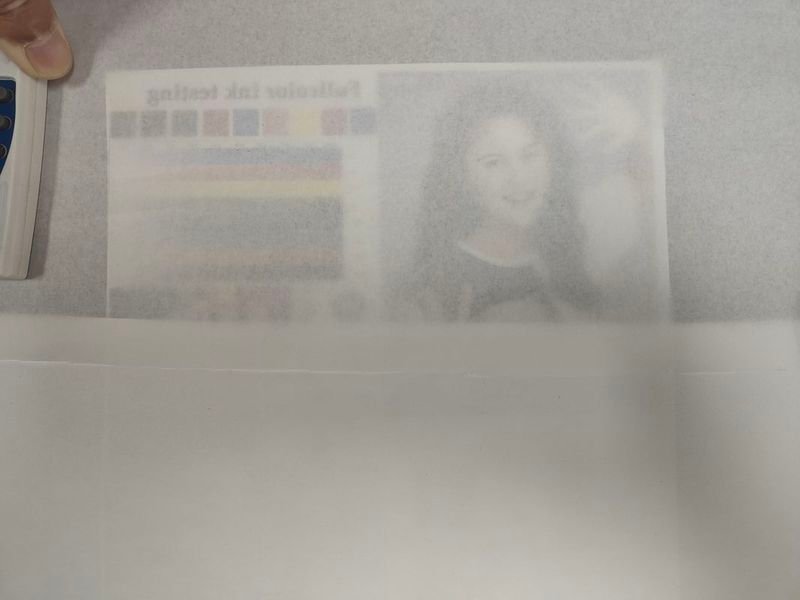
Before loading into the printer, test with a tiny scratch or light water dab if you’re unsure. Usually, the printable side feels slightly rougher.
Match The Paper To Your Substrate
For soft materials like shirts, use standard grammage sublimation papers, and for hard surfaces like metal or ceramic, use low grammage papers.
Keep Paper Dry And Flat
Store your sublimation paper in its original packaging, sealed tight, away from humidity. Flat storage prevents curling, which ruins print alignment.
Use The Right Print Settings
Adjust your printer for the grammage of the sublimation paper: high quality mode, appropriate paper type selection, and mirror image settings for transfer.
Press Carefully
Whether you’re using an iron or a heat press. Follow recommended heat and pressure settings for both the paper and the blank you’re transferring onto. Too little pressure or wrong timing will mess up even the best setup.
Final Thoughts: Sublimation Paper Deserves More Respect
At first, I underestimated how critical sublimation paper was. I thought it was “just paper” — but it’s not.
It’s the bridge between your creative designs and the finished product.
When you pick the right sublimation paper, store it properly, and use it carefully, the results are night and day.
Brighter colors. Sharper lines. Longer-lasting prints.
It’s one of those small details that separates a good sublimation project from a truly professional one — and it’s absolutely worth paying attention to.