



What “Uneven After Baking” Really Looks Like
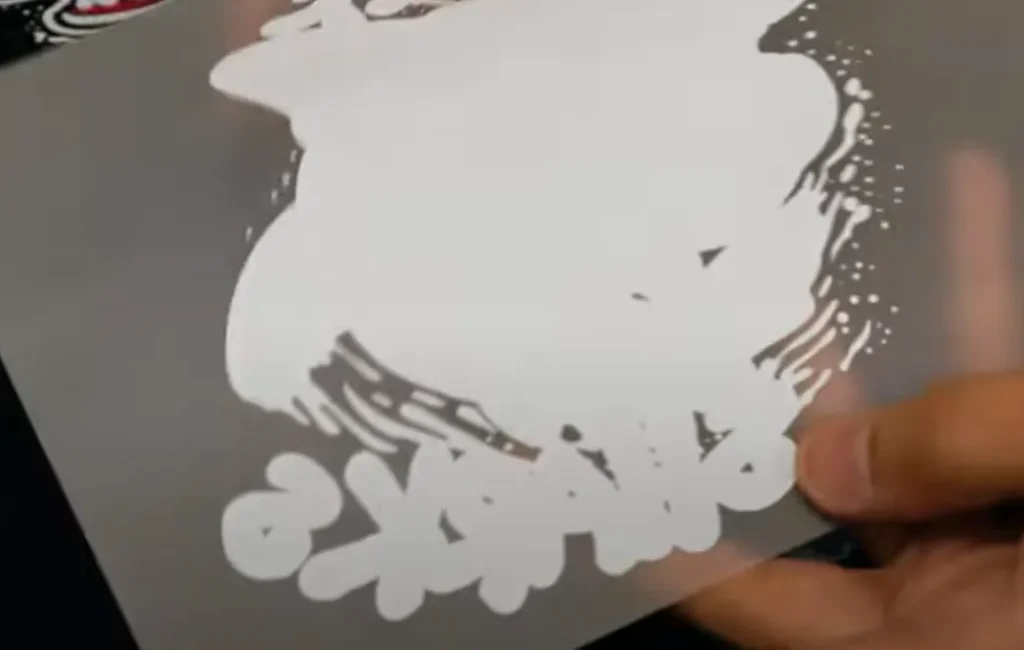
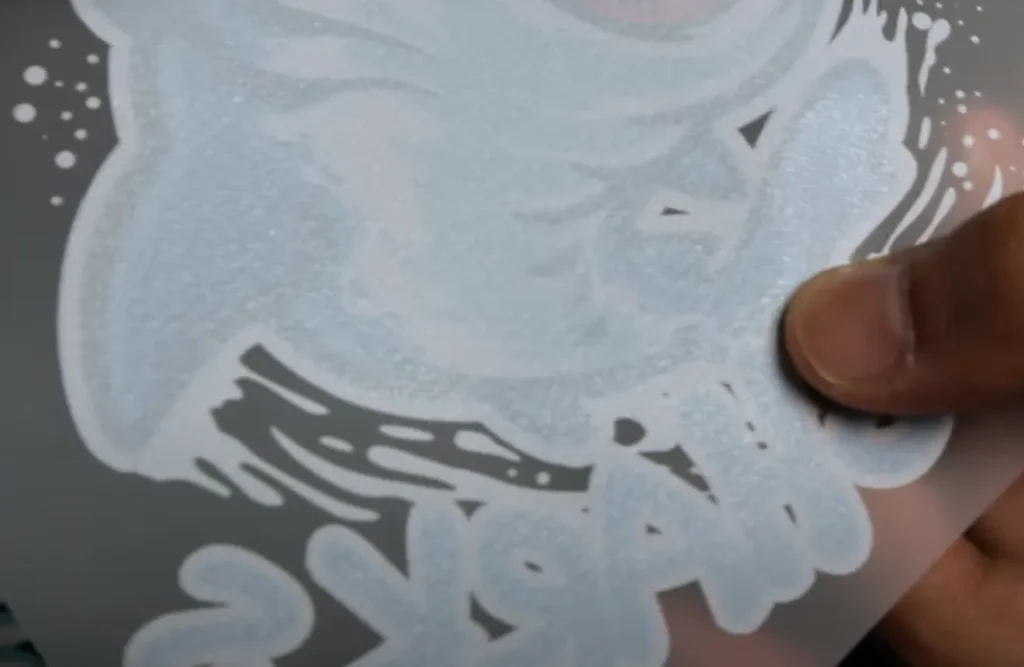
In everyday printing, this problem shows up in a few clear ways. The film comes out of the oven and the powder layer doesn’t look flat. Some spots feel bumpy, like tiny hills. Other spots look pitted, as if small chunks are missing. You might see dull patches next to glossy ones. When you run a finger over the cured area (after it cools), it can feel gritty instead of silky. On dark inks the texture is easy to spot under light; on light inks it may hide until you press the transfer and notice patchy results.
Common scenes where this happens:
- A new design with solid blocks of color looks “orange-peel” instead of smooth.
- Fine lettering shows little rims of powder that stick up.
- Edge areas are glossy, but the center looks rough, as if the powder melted unevenly.
- A sheet left on a worktable during a busy shift picks up moisture, and later the cured powder looks lumpy.
Why A Smooth, Level Powder Layer Matters
A smooth, even layer of powder melts into the ink, creating a flat transfer surface that serves three important purposes:
- Strong adhesion: It helps transfer the print evenly onto the fabric (or other material), ensuring the design remains crack-free even after washing and wear.
- Clean edges: It reduces rough halos around lettering, keeping fine details sharp.
- Good feel and appearance: It prevents rough textures and dull patches, resulting in a softer feel and a more consistent look across the entire print.
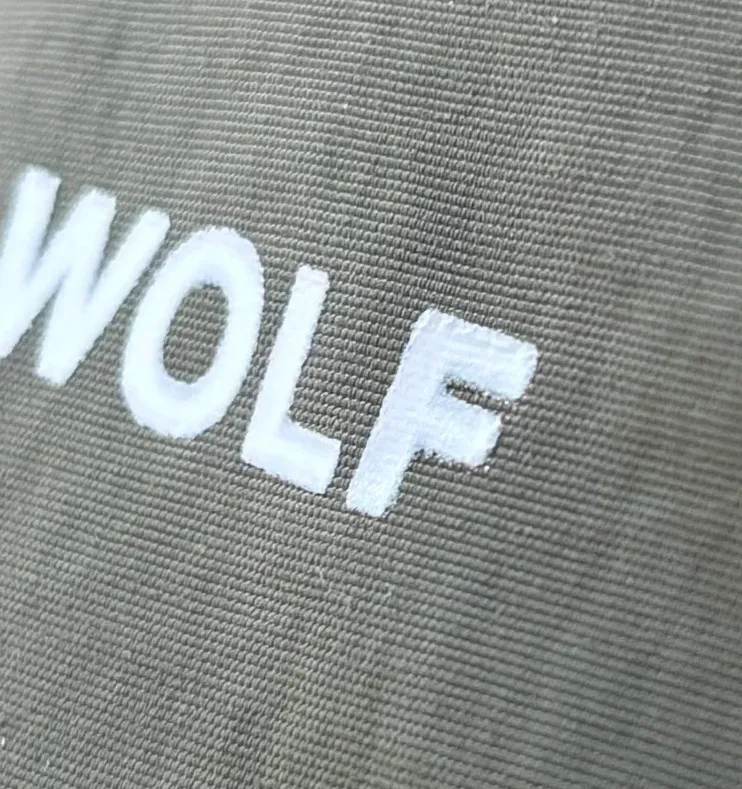
When the powder layer is uneven, the heat and pressure from the heat press will also be unevenly distributed. This can lead to weak edges, raised dots, cracked lines, or a mix of glossy/dull areas after pressing.
DTF Powder Uneven or Not Smooth After Baking Quick Judgment
Here are practical steps to solve most everyday problems. Feel free to experiment and adjust as you go.
Incorrect Powder Baking Temperature and Time
Powder needs a certain temperature and time to melt. If your temperature is off, the powder won’t melt, or only partially melts. In this case, the powder on the film will look speckled. Too high a temperature can directly affect the film, causing it to yellow or become brittle. Incorrect baking time is equivalent to insufficient temperature.
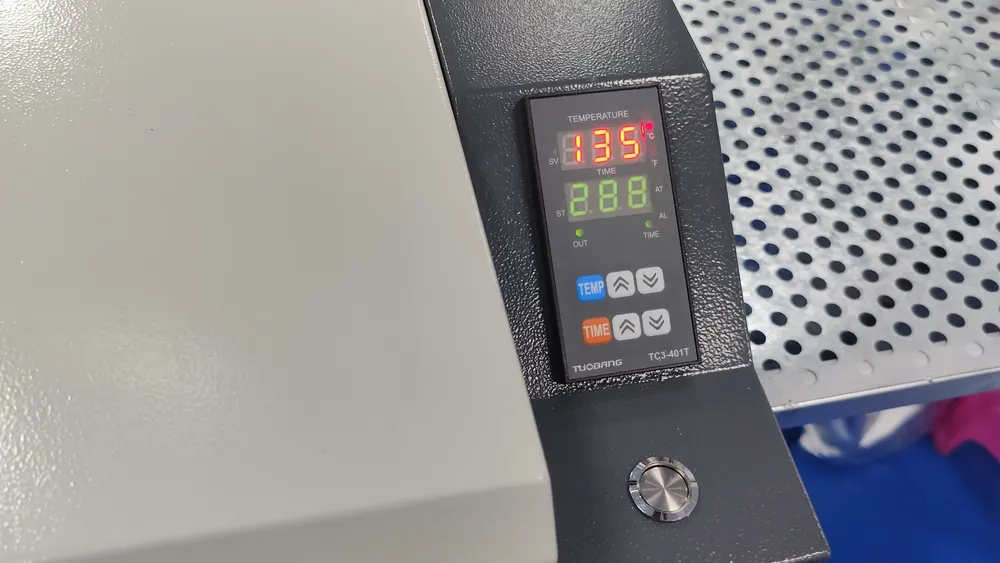
Try increasing the temperature or baking time slightly. Record and observe the changes in the film after baking. Try different adjustments with the same powder as much as possible. Also, pay attention to the influence of the powder type itself. The melting point of hot melt powder will vary depending on the material. See also: What is DTF Hot Melt Powder?
Powder Moisture
Opened powder left exposed will absorb moisture from the air. It usually forms soft clumps that look like small stones. Crumbling it by hand will not improve the moisture problem. If you see this, you can basically conclude that the powder is damp.
Try using this powder for a baking test, increasing the baking temperature and time to see if it improves the unsmooth appearance. If there is no change no matter how you adjust it, then you basically need to replace it with new powder. See also: A Quick Guide to DTF Hot Melt Powder
Powder Type Matching
There is not just one type of DTF powder. Different substrates require different powders. For example, elastic fabrics usually require you to use elastic powder to increase the toughness of the pattern. If you use fine powder on highly stretchable fabrics, the pattern may crack when you stretch the fabric.
As I mentioned above, fine powder is better for smoothness than coarse powder. But in fact, fine powder and coarse powder are different. Coarse powder is mostly used for transferring to fabrics such as denim, while fine powder is mostly used for pure cotton fabrics.
Therefore, when considering the problem of unevenness and roughness, do not assume that there is a problem with the powder due to the inherent phenomenon caused by the powder itself. Instead, judge according to the final transfer result.
Uneven or Not Smooth After Baking Solutions
Based on the quick assessment methods above, we can take the following approaches to address the issue of unevenness:
Readjust Oven Settings
Begin by adjusting the oven’s temperature and time settings. Create a small test grid and print the same color sample on each section. Cure each sample with different temperature/time combinations, and meticulously record the results. Note which method produces the flattest, most uniform surface. See also: How To Cure DTF Powder With Oven?
The vast majority of ovens on the market have fixed temperature and time settings because hot melt powder is only related to these two factors. It is important to determine whether the oven itself can generate sufficient heat. Before testing, make sure the oven can heat up according to the set values.
Sometimes, ovens that have been used for a long time are prone to insufficient heating power. This can manifest as uneven baking in certain areas or a general weakening of the overall heating. Eliminate oven-related issues before determining if the powder is the problem.
Compare with a Fresh Batch of Powder
Perform the same test with a new bag of powder. If the surface is smooth, it indicates the old powder may have absorbed moisture or aged. Keep new bags sealed between shifts and label them with the opening date to track shelf life.
If you have replaced powders from multiple brands and still experience unevenness or flatness issues, you need to consider whether it is an equipment problem. Generally speaking, in addition to the different materials used, the use of hot melt powder in DTF printing is consistent.
Try a Finer Powder
If you still find unevenness after adjusting the temperature and time, you can switch to a powder with smaller granules. Finer particles melt and level more easily, which helps the cured layer look and feel smoother, especially in designs with fine lines and small fonts.
Powders with smaller granules are more versatile and can be used on almost any substrate surface that is not too tightly woven. Surface material characteristics should also be clearly observed, using different types of powder for different substrates is key.